
DaVinci Resolve on the iPad?
Author: Mukund Shyam
Published on: 18 12 2022
So recently, the beta for Blackmagic Design’s DaVinci Resolve came out for the M-series iPads, and I’m really excited. Here’s why.
Background
So, iPads have basically reigned supreme in the tablet space ever since their release in 2011. They’ve never really faced any real competition from the Android tablet world (I guess the only real threat to them were the most recent Samsung tablets, and even they weren’t real threats), and this allowed them to leapfrog everyone in the tablet world in terms of performance. iPads are BY FAR the fastest tablets in the world, and it’s not even close. I think every single iPad in the current lineup is probably in the top 6-top 8 fastest tablets ever.
The issue, though, is that these iPads have never really needed that much performance. iPads basically run iOS, a super lightweight OS built for phones, and therefore they’ve never really had the apps to take advantage of the performance they have.
They’ve tried to market iPads as computer replacements (“What’s a computer?”) but very few have truly successfully replaced their laptops/computers with iPads.
People have been hoping for MacOS on iPad Pro (which is, frankly, ridiculous), while others were just hoping for pro apps to come onto iPad. I was in the latter camp, I wanted Logic Pro, Final Cut, or XCode to come to iPad (as did a lot of people, I assume) and there were even rumours that Apple would launch these apps on iPad like 2 years ago.
But this never came to be. The iPad was destined to be a secondary device (or to some extent, a photography machine as Lightroom was still very close to the desktop version on iPad).
Until now.
Resolve Beta
The DaVinci Resolve Beta just launched for M-series processors (that is, the most recent iPad Pro and Air, as well as the iPad Pro that is a generation old).
What is interesting about this beta is the fact that the UI is pretty much exactly the same as the UI of the desktop apps, but the edit window (the main Resolve window) is conspicuously absent.
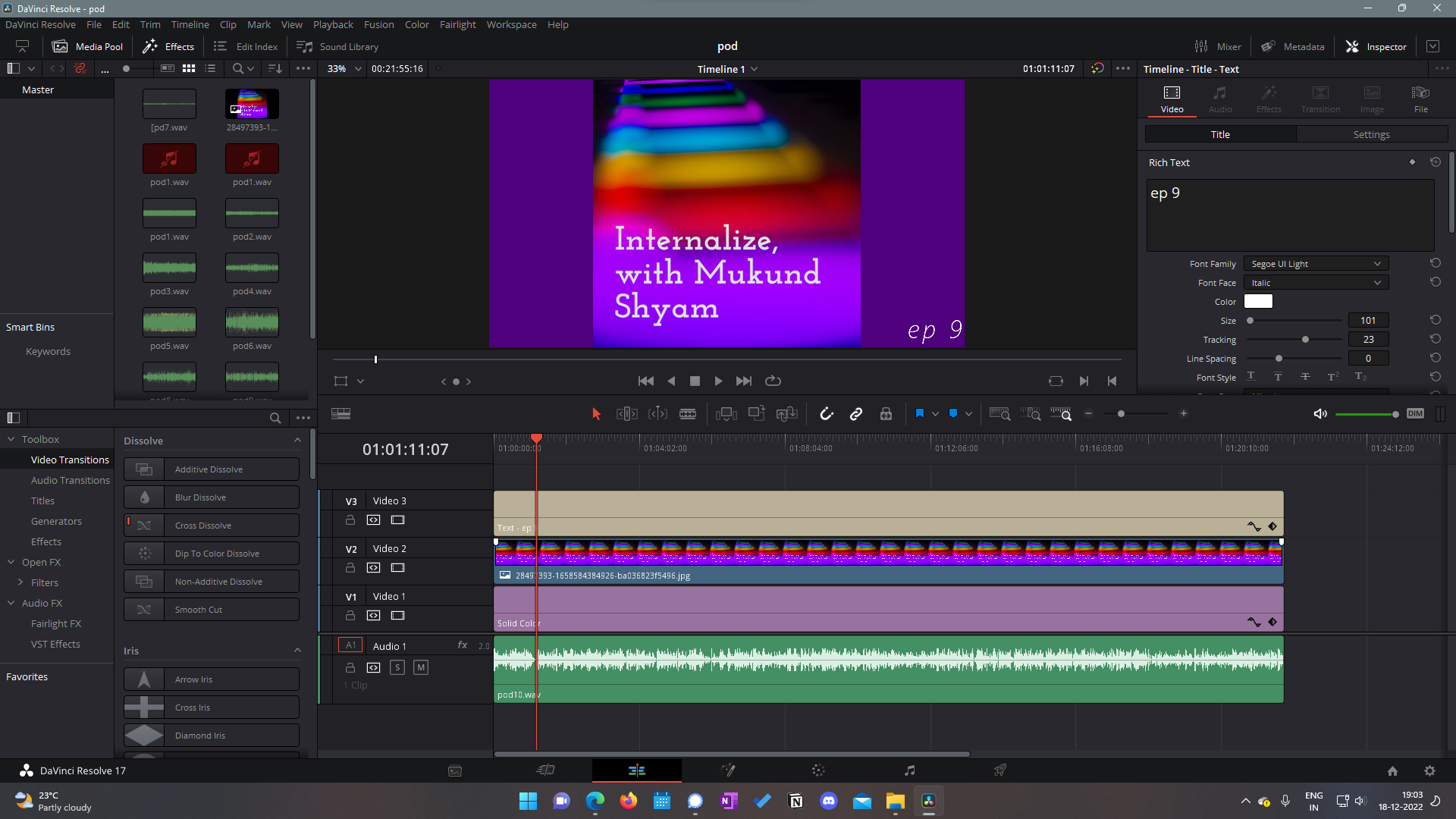
Instead of that, though, the Cut window is the main window for editing.
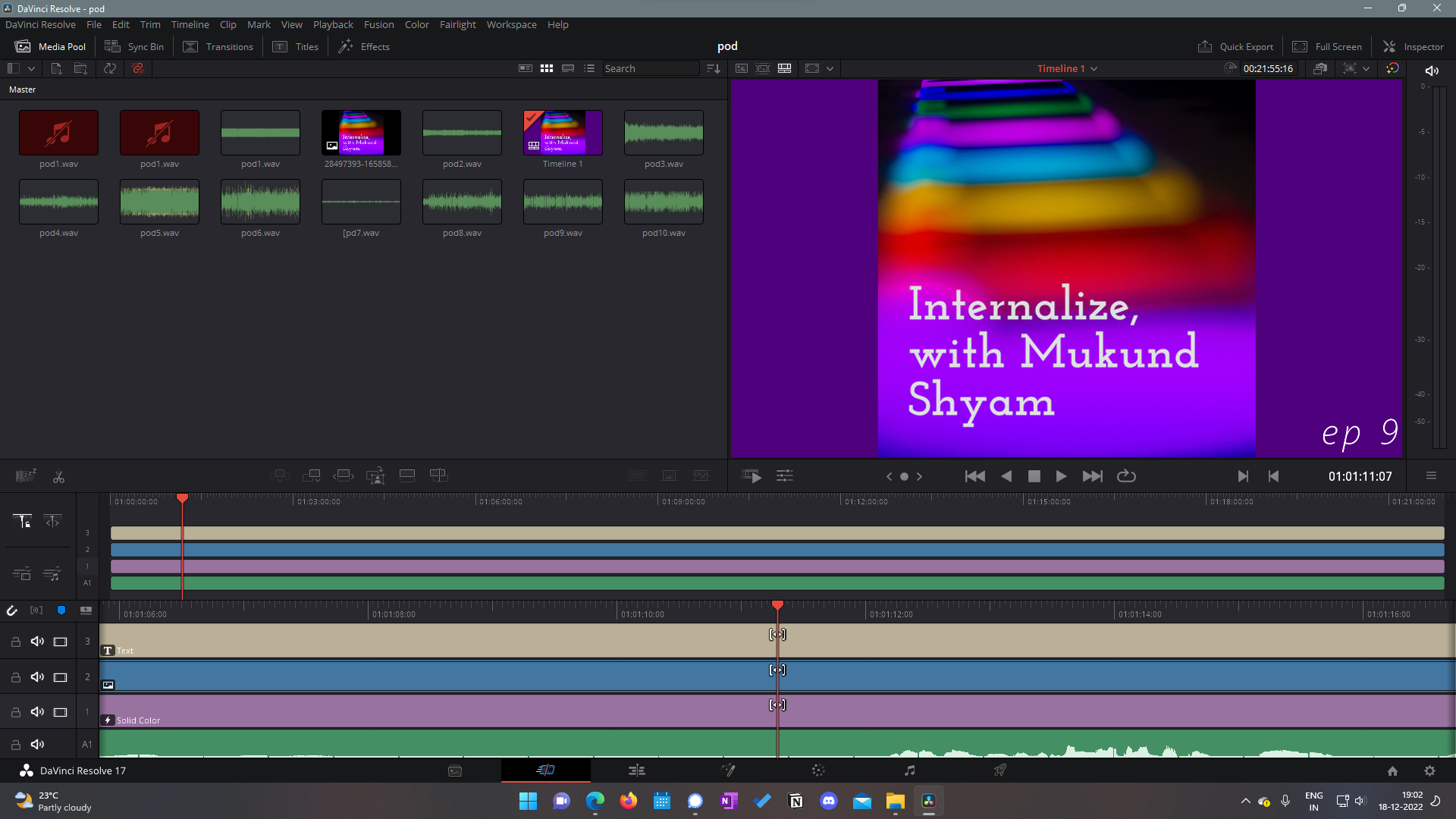
This is very similar to the iMovie approach: a very simple, high speed editing workflow, instead of the more complex workflow offered by Premiere Rush.
I actually think this is the right decision. Here’s why:
- It’s the best for editing with touch and the Apple Pencil. This is very obviously being marketed as a travel-with-me type device, and touch is still much easier to use on the move compared to a keyboard and mouse. Also, most people don’t have the Magic Keyboard.
- It democratizes video editing. Resolve is famous in the editing space and bringing it to iPad opens it up to so many more people. Having a simpler workflow while retaining the power allows more people to get started making videos using Resolve and using their iPads.
The colour window is the same as the one in the desktop version, which is incredible because Resolve is famous for being good at colour grading (seriously, Hollywood uses Resolve). It’s also good for me personally because I like the display on my iPad better than my computer monitor, so using it to colour grade will probably be a better experience for me.
Whether fusion (the vfx tab) will come out to the iPad version is kind of an unknown, to be honest. The press release didn’t really mention it, but someone did gain access to it in the Beta. I want fusion to be available on iPad because:
- Having something that pushes the iPad to its limits will be awesome
- It will likely be better optimised than Fusion on Windows, so it’ll be easier to edit.
Fairlight is the big question mark. Fairlight is the audio editing suite, and I don’t really know how it’ll translate over to iPad (and even if it’ll land in the final version). We’ll see when the full version releases.
What will this do to the iPad?
- It’ll make the iPad Pros more unique. The performance boost going to the iPad Pro will probably be felt by people (finally!).
- It’ll replace a ton of laptops. The fact that you can edit on the go with the iPad (the most fun device in my opinion) and export it (as a .drp file) to be used on the desktop version is ridiculously powerful and it’ll change a lot of people’s workflows for the better.
- It’ll hopefully spark the creation of iPad versions of pro apps. Hopefully we see Final Cut or Logic or Ableton for iPad after this.
Who’s this for?
- People on the move, with a dedicated primary device
- People who already have an iPad and want to edit on it
- People who want to replace their laptops with iPads but couldn’t do it because of their workflows.
I think the biggest question I have is whether this will come to older iPad Pros and lower end iPad devices like the iPad Mini or the base model iPad.
If Blackmagic Design is able to pull it off, it’ll probably be the biggest step in the iPad’s history since the launch of the redesigned iPad Pro.
I really hope it works out, and I hope to use Resolve on my iPad Pro (A12Z) and let you know of my findings.
I’m excited!
Thanks for reading.